01
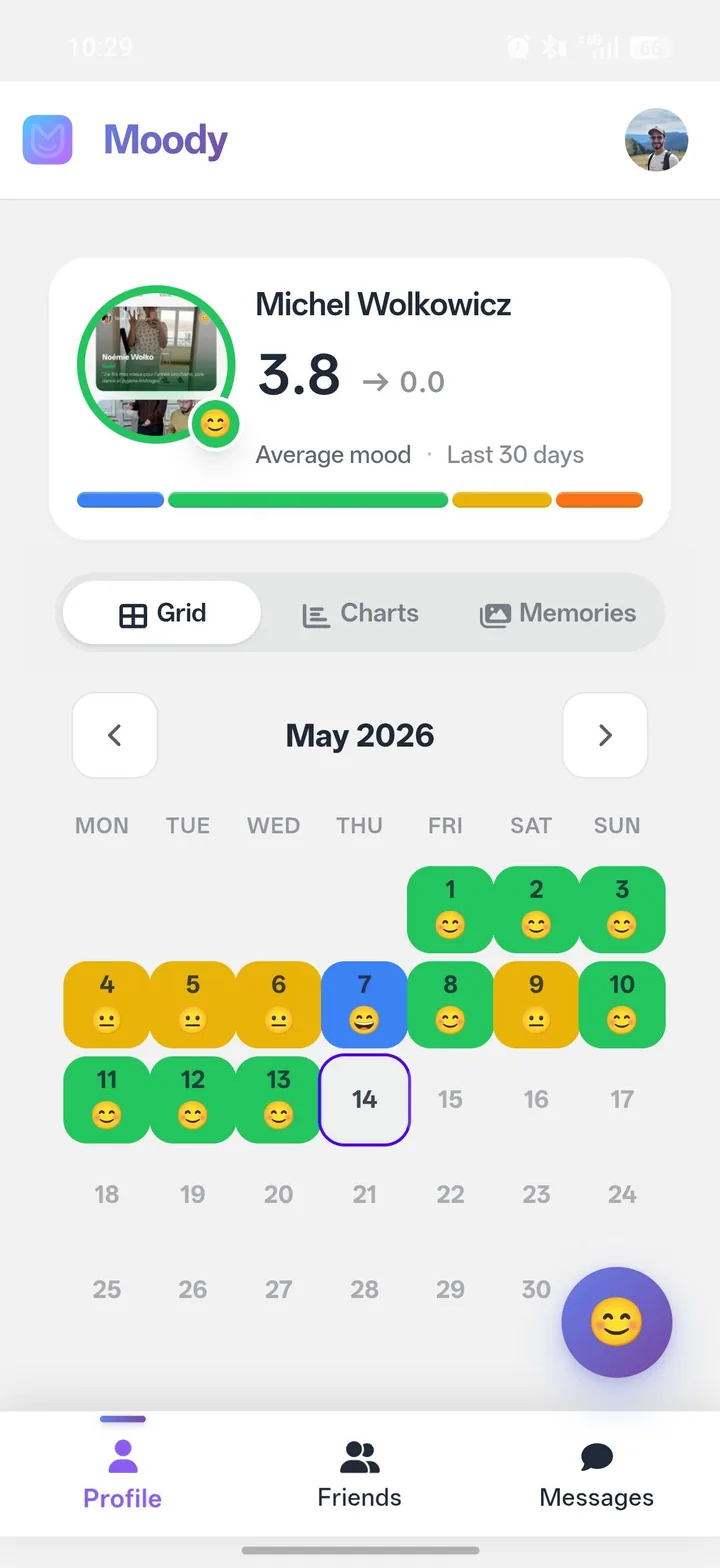
Profile & grid
Your month at a glance, with mood faces on every day.
 Moody
MoodyLog your day in 10 seconds and understand what really shapes your well-being. Share your days with your closest friends
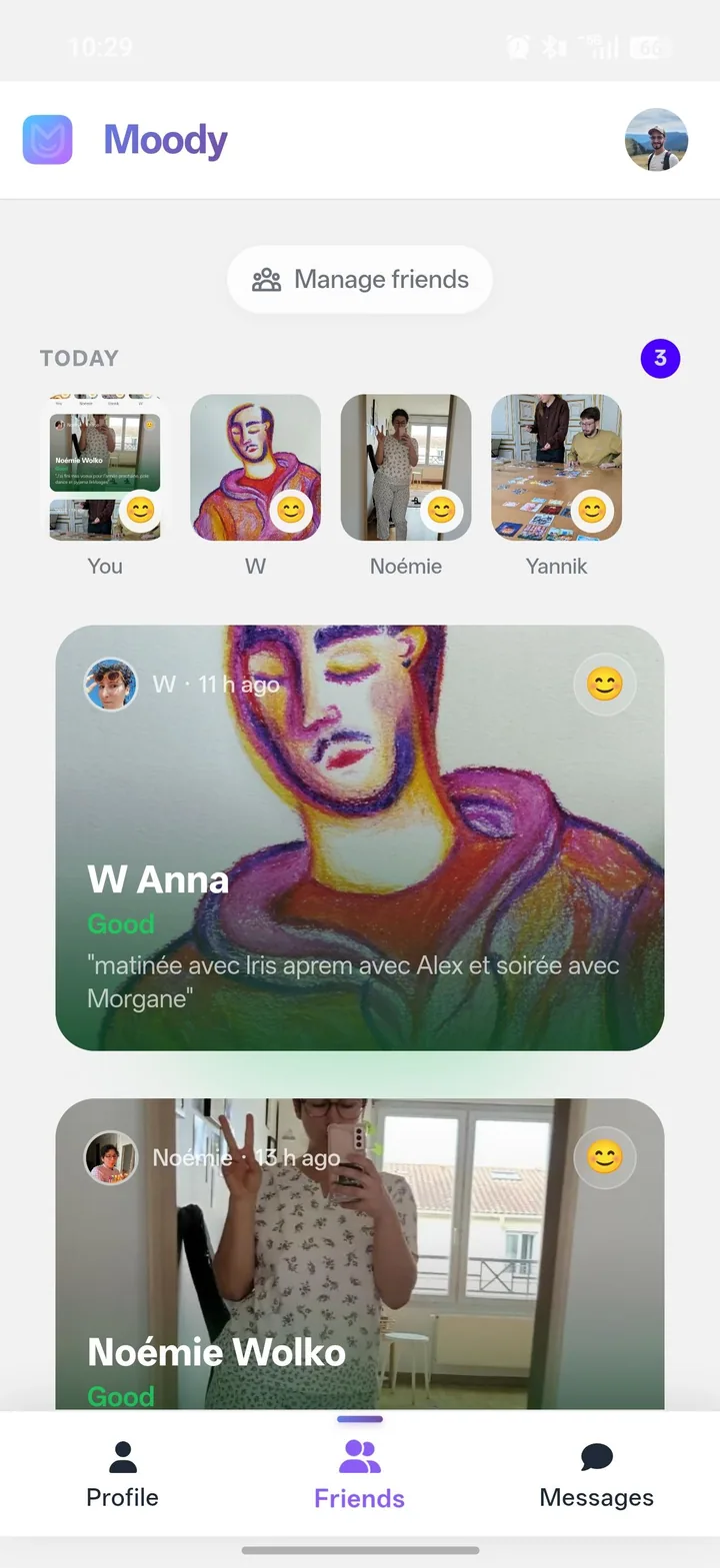
Pick your mood, add activities, emotions and a photo if you like. 10 seconds is enough.
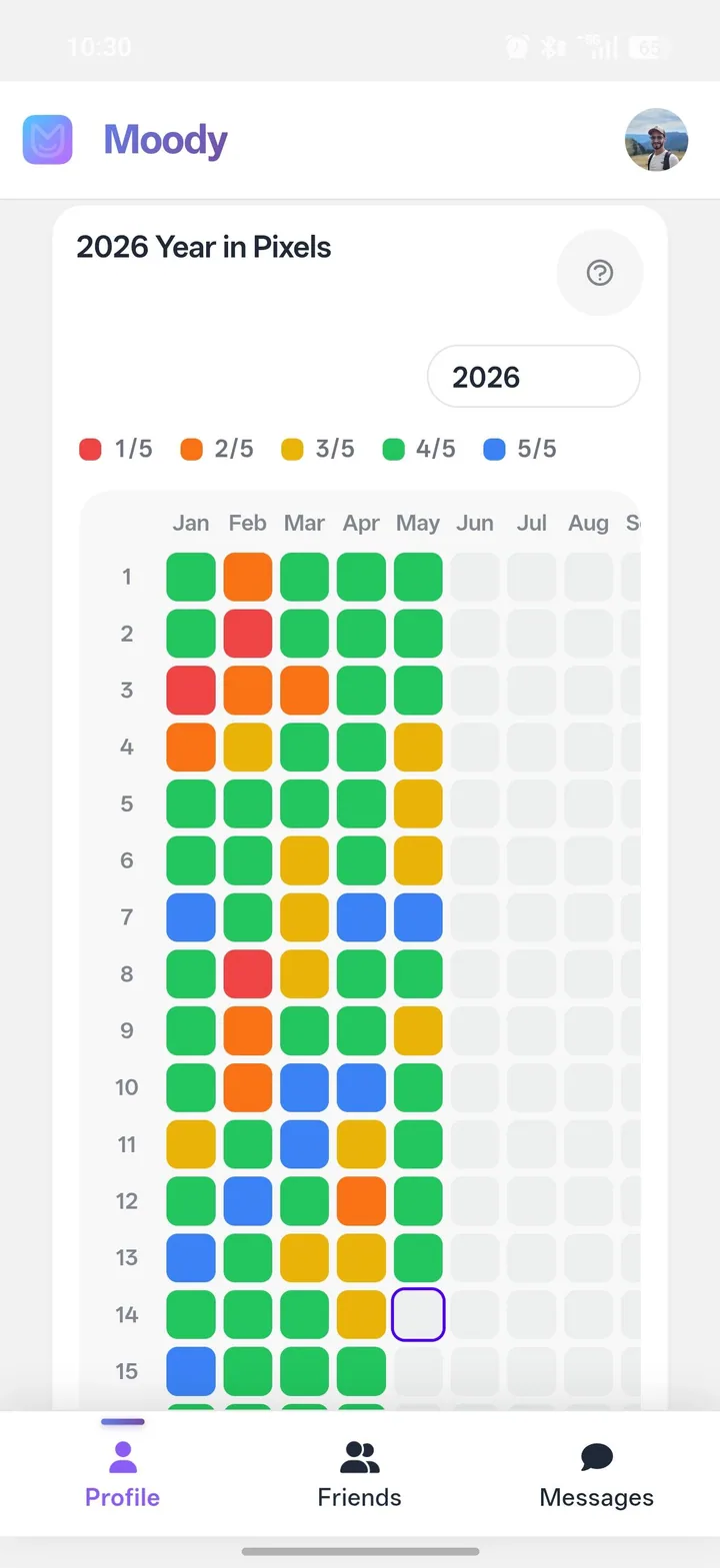
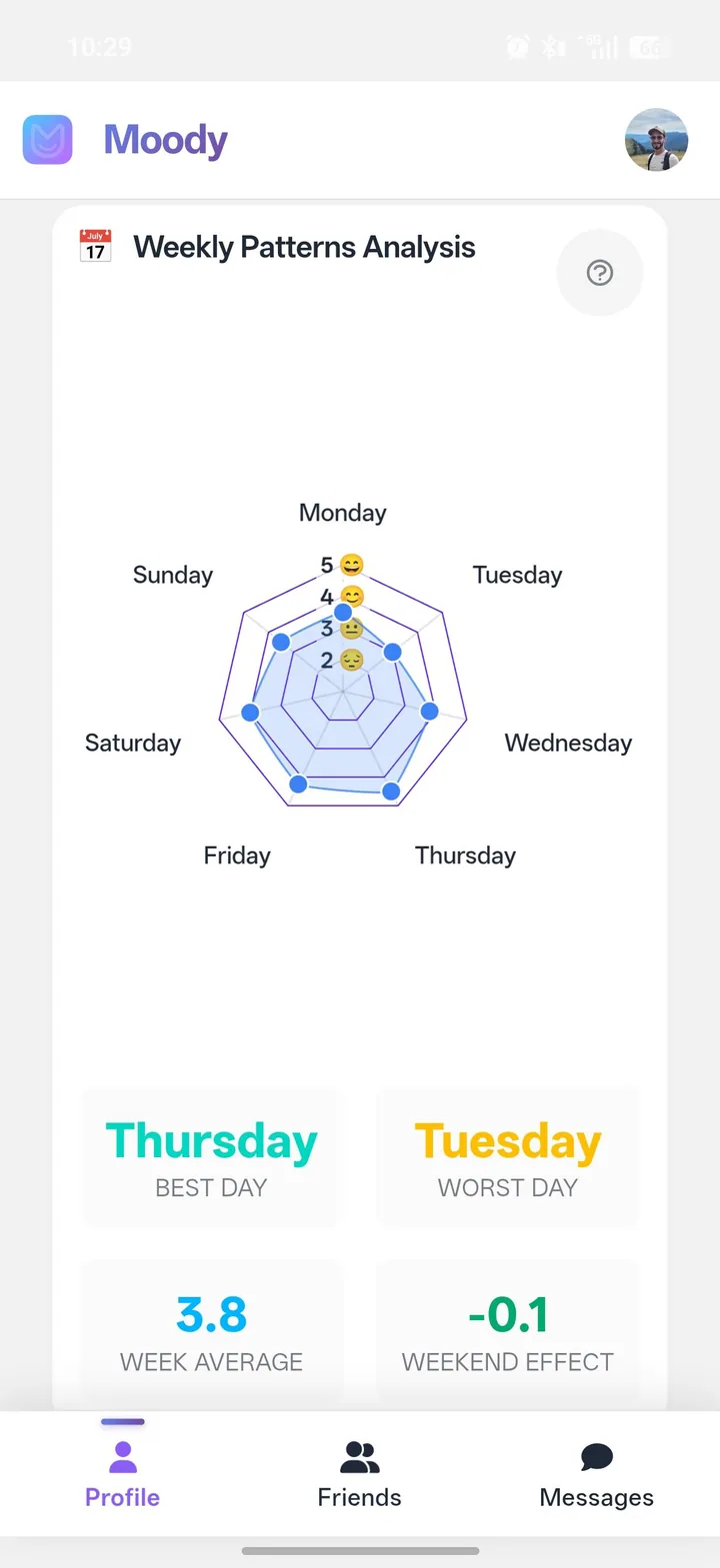
Yearly grid, weekly trends, weather, sleep — Moody connects the dots you would never have seen.
Pick one day and share it with people close to you. Everything else stays private, on your phone.
Every view is a different lens. Pick the one that answers today’s question. Swipe to explore.
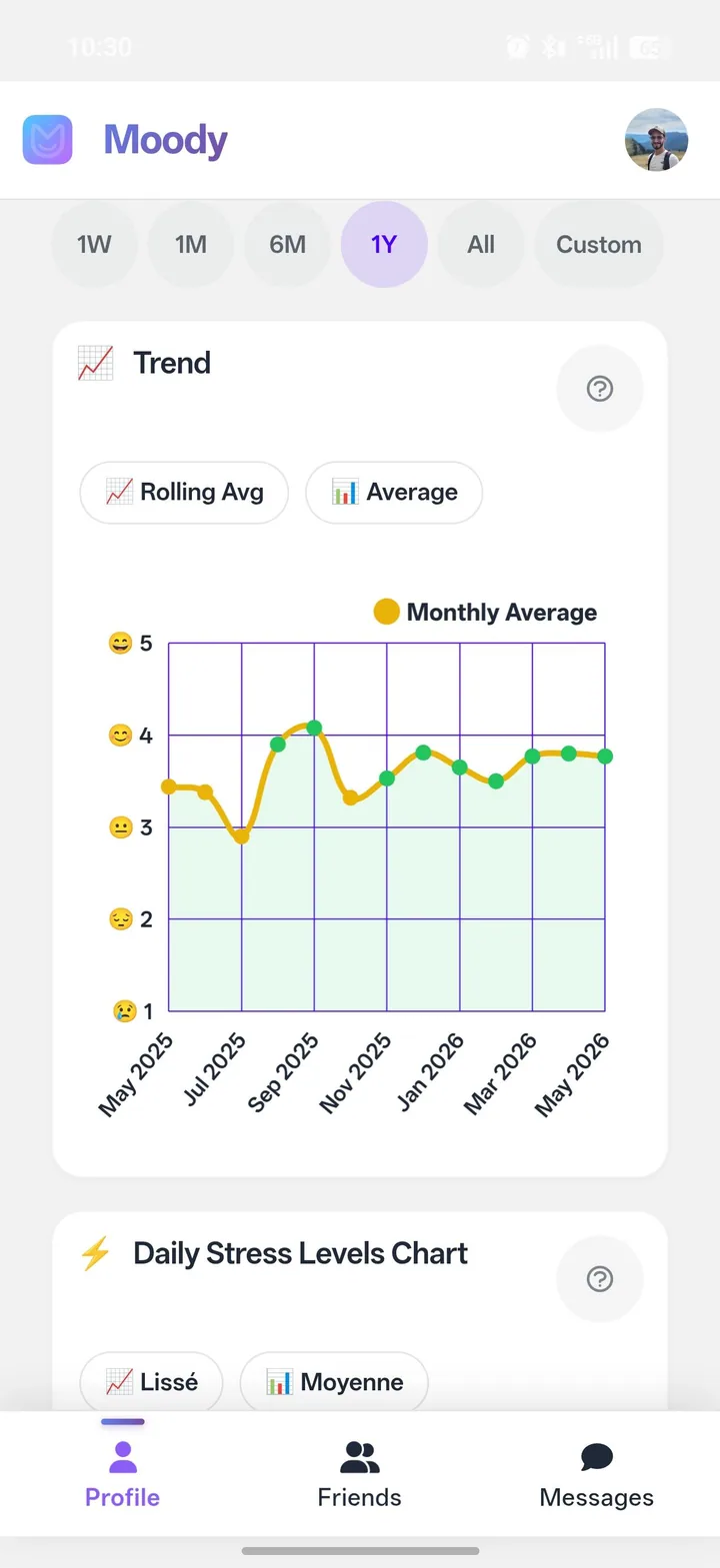
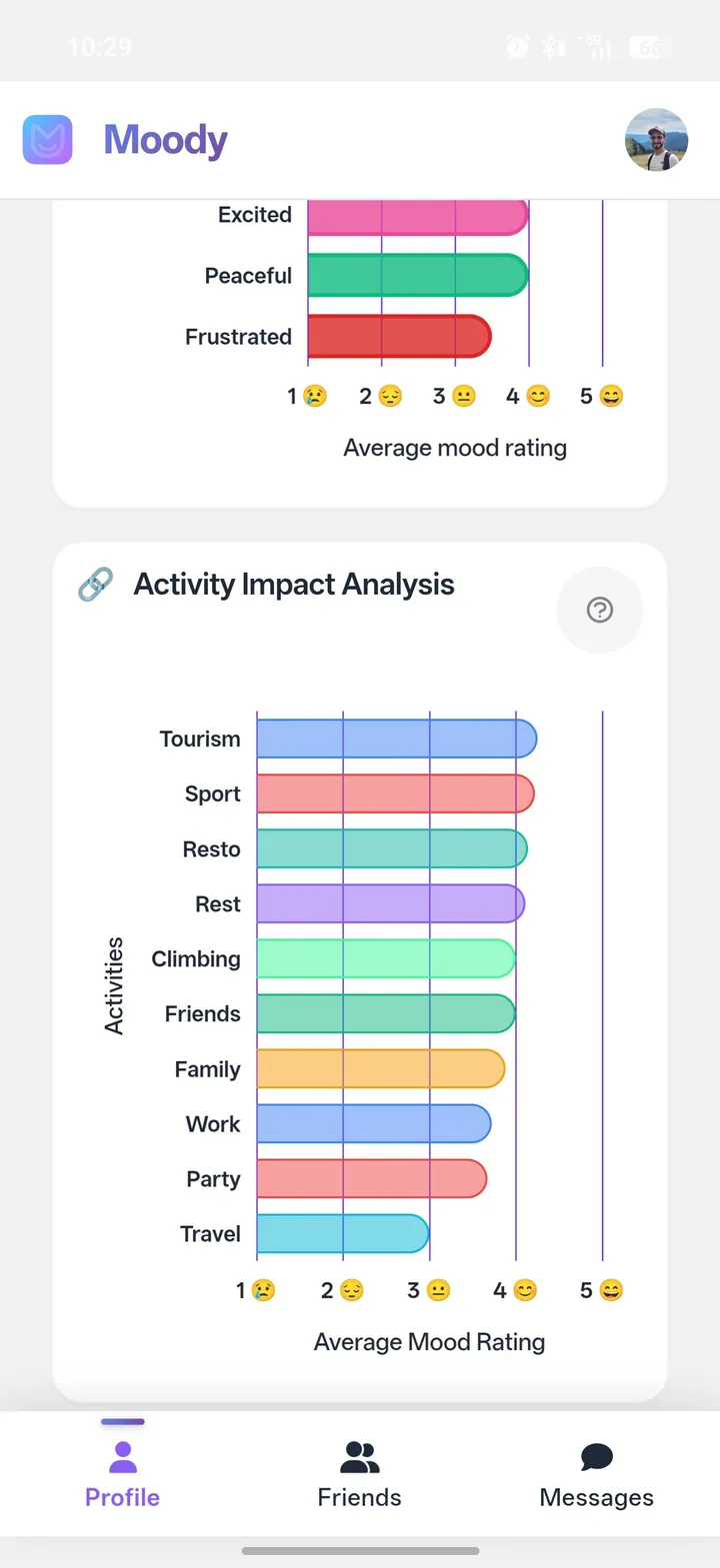
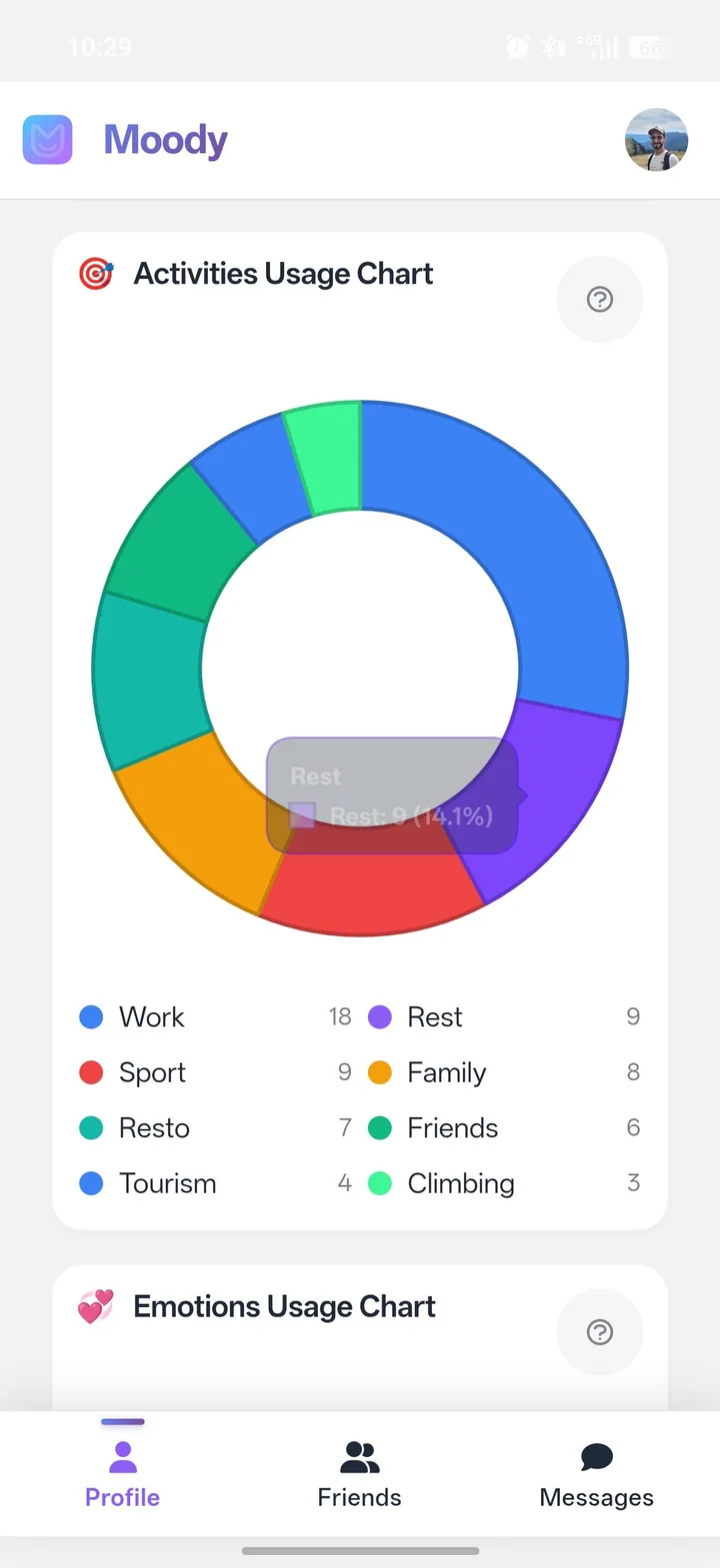
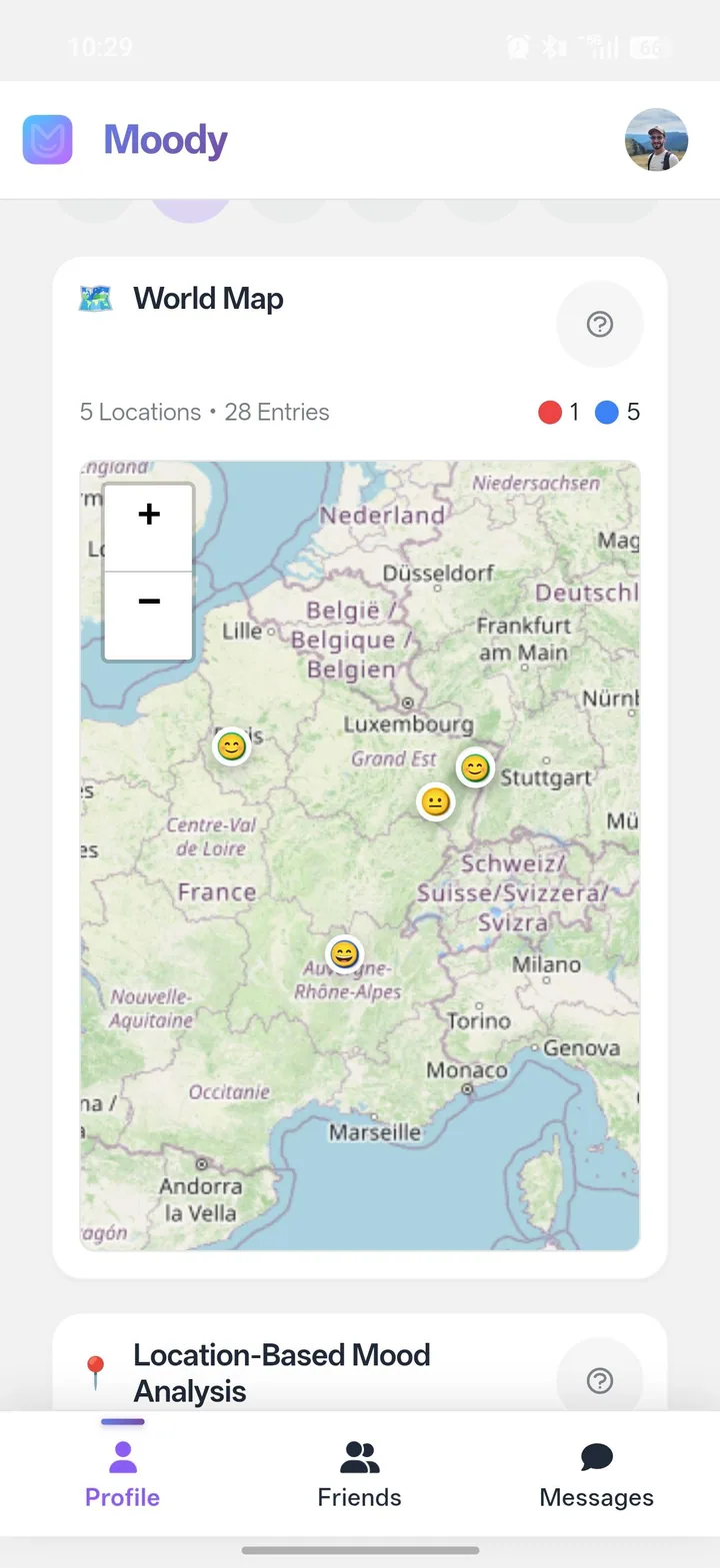
Moody helps you track your mood day after day, keep a structured history and understand what influences your daily life.
Yes. Moody is designed as a personal space first. Social features stay optional and only exist if you choose to open part of your data.
Yes. You can add friends if you want, but Moody stays useful even without a social dimension.
Moody lets you decide what you keep for yourself and what you want to open up to specific people.
Yes. You can attach photos to your entries and find them later in your history and gallery.
That is the core idea. Moody is built to make daily tracking fast enough to keep up over time.
Yes. Moody is designed to work on the web and on mobile, with an experience tailored to daily use.
Free, no credit card, no commitment.
Start MoodyWeb · Android
Practical tutorials and clear articles about daily mood tracking, patterns, memories and optional sharing in Moody.
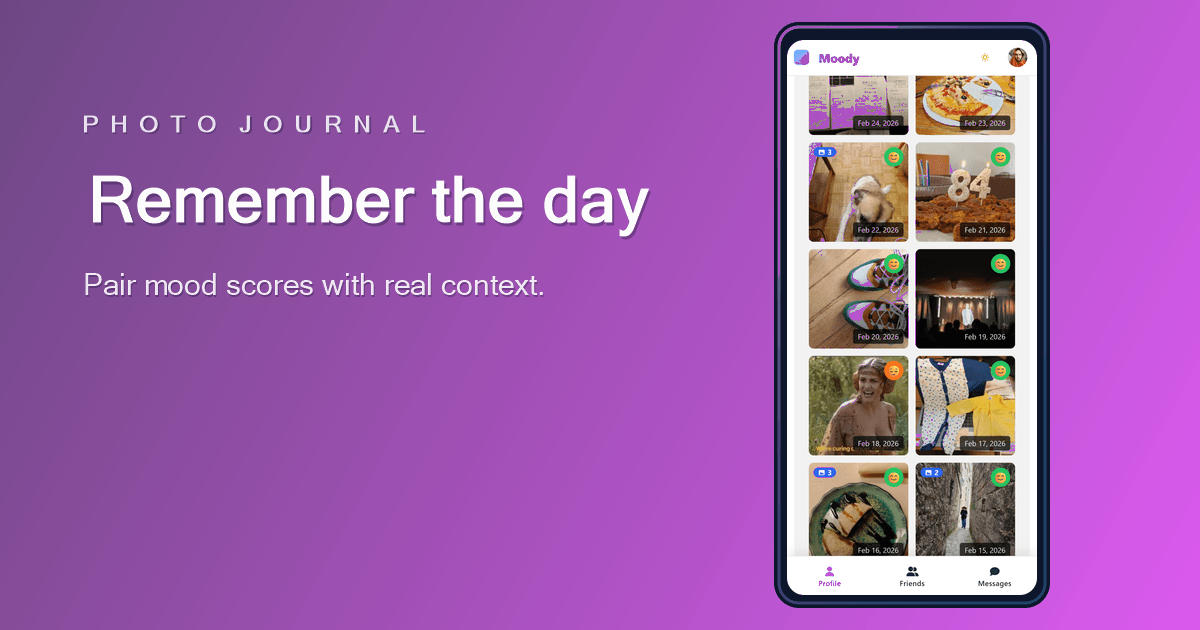
A score tells you how the day felt. A photo helps you remember what the day was actually made of.
Read article →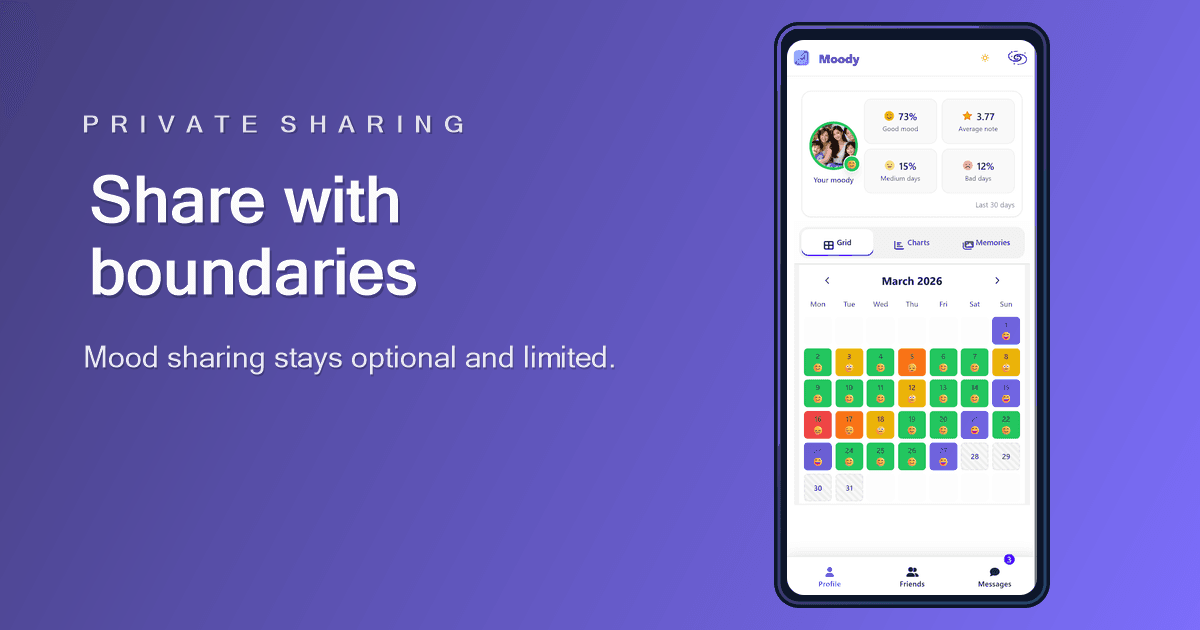
A mood tracker can support trusted connection, but privacy has to come first. Sharing should be optional, limited, and easy to understand.
Read article →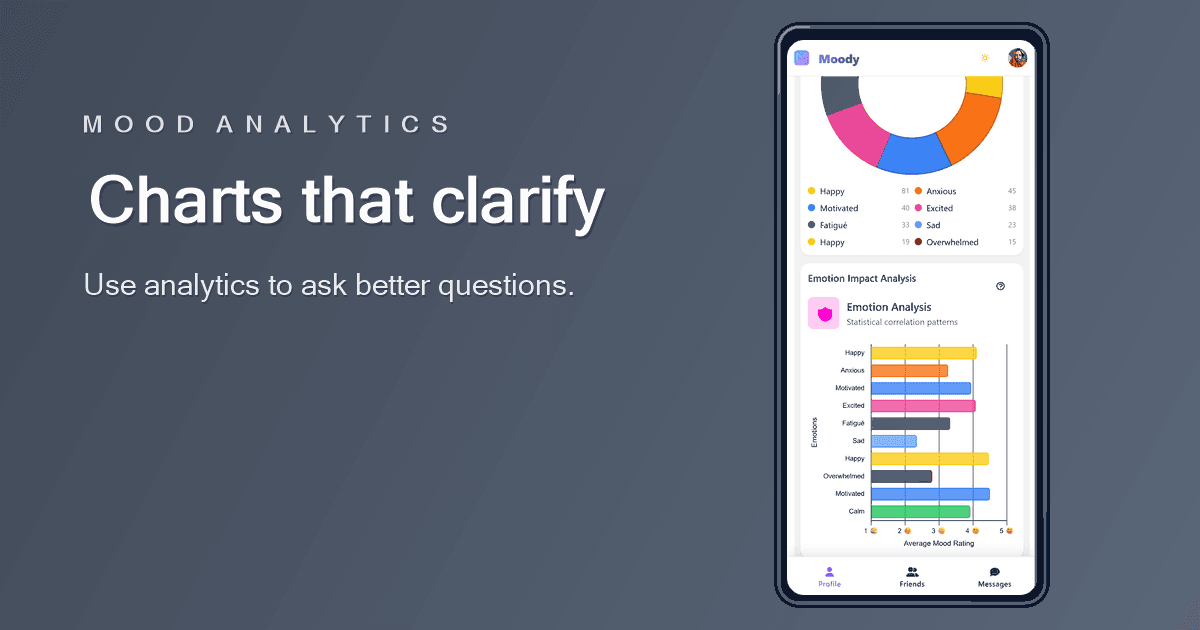
Good mood analytics do not tell you who you are. They help you ask better questions about your recent days.
Read article →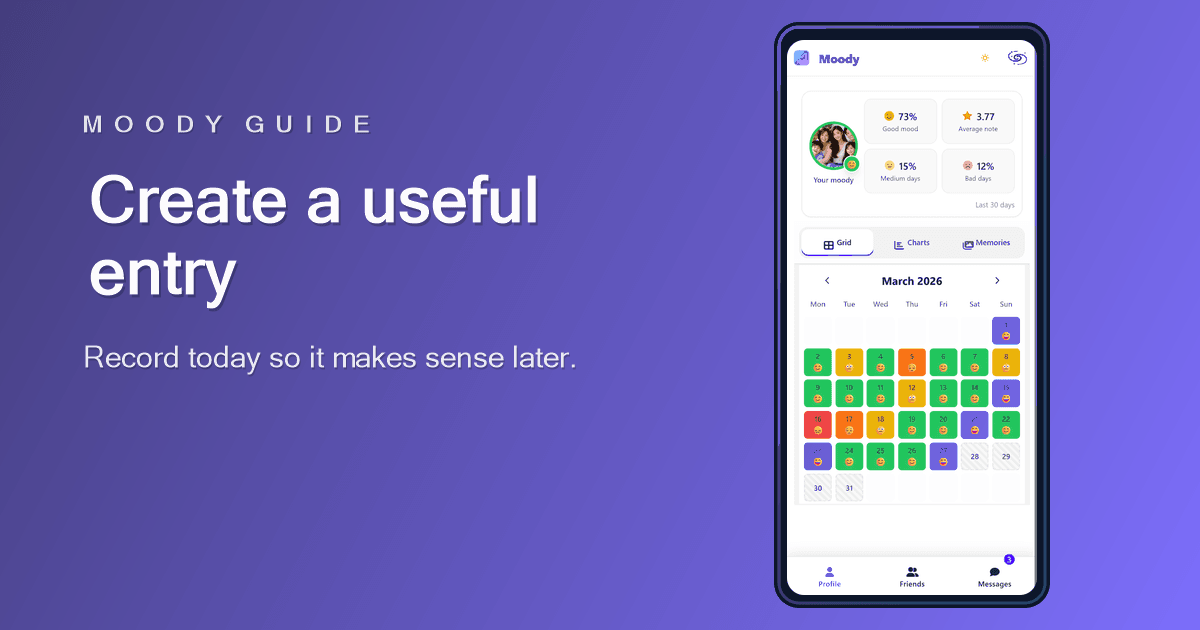
A good Moody entry is quick to create today and easy to understand when you review it later.
Read article →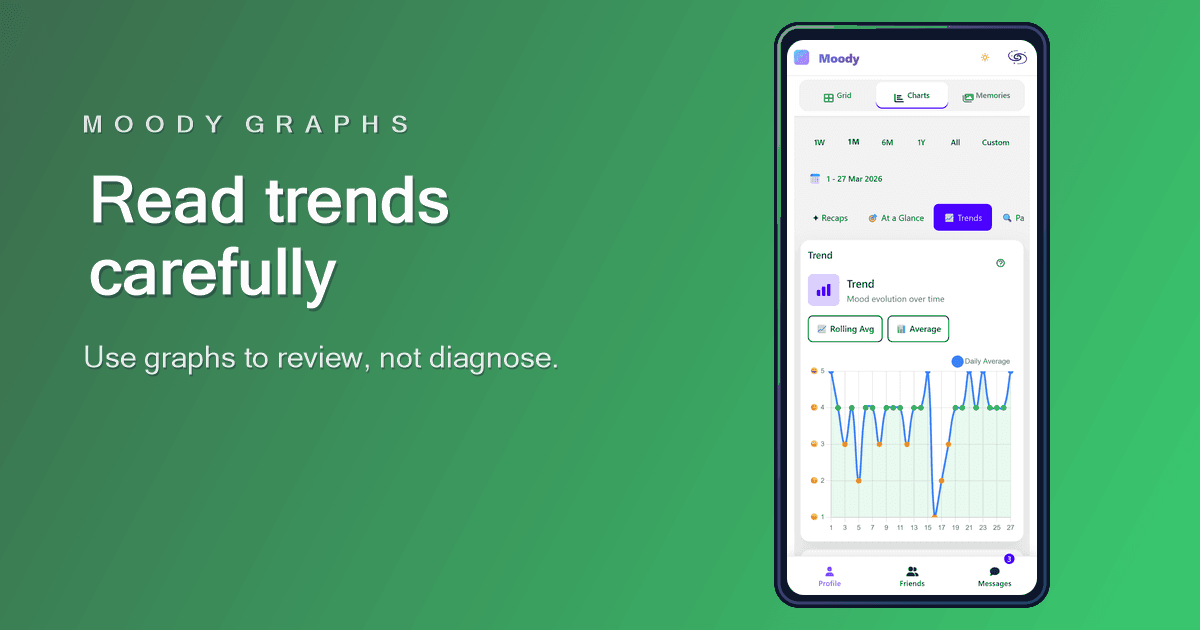
Moody graphs are designed to make your history easier to review, not to turn your mood into a scorecard.
Read article →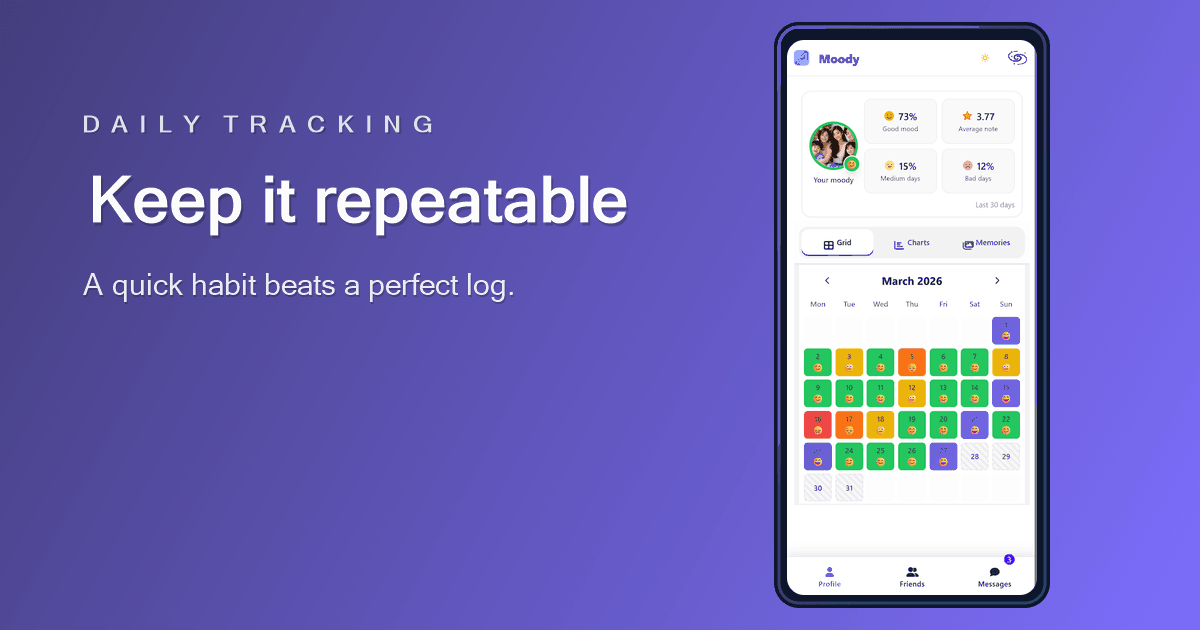
Daily mood tracking works best when the entry is small enough to repeat and clear enough to review later.
Read article →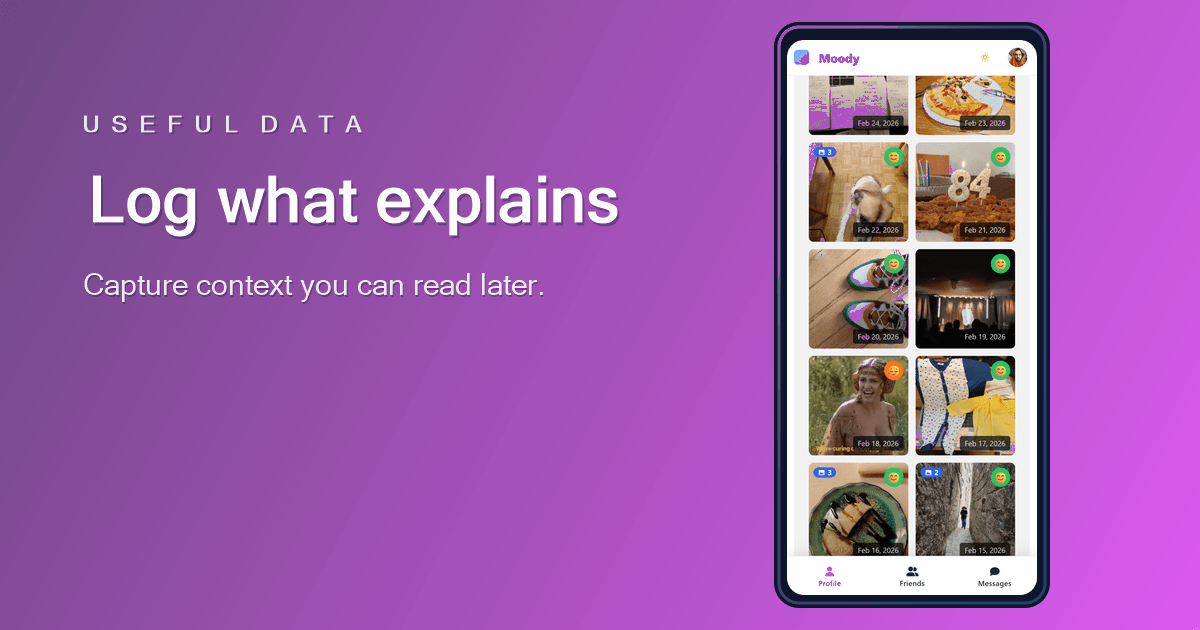
The best mood tracker data is not the most detailed data. It is the data you can understand when you review it later.
Read article →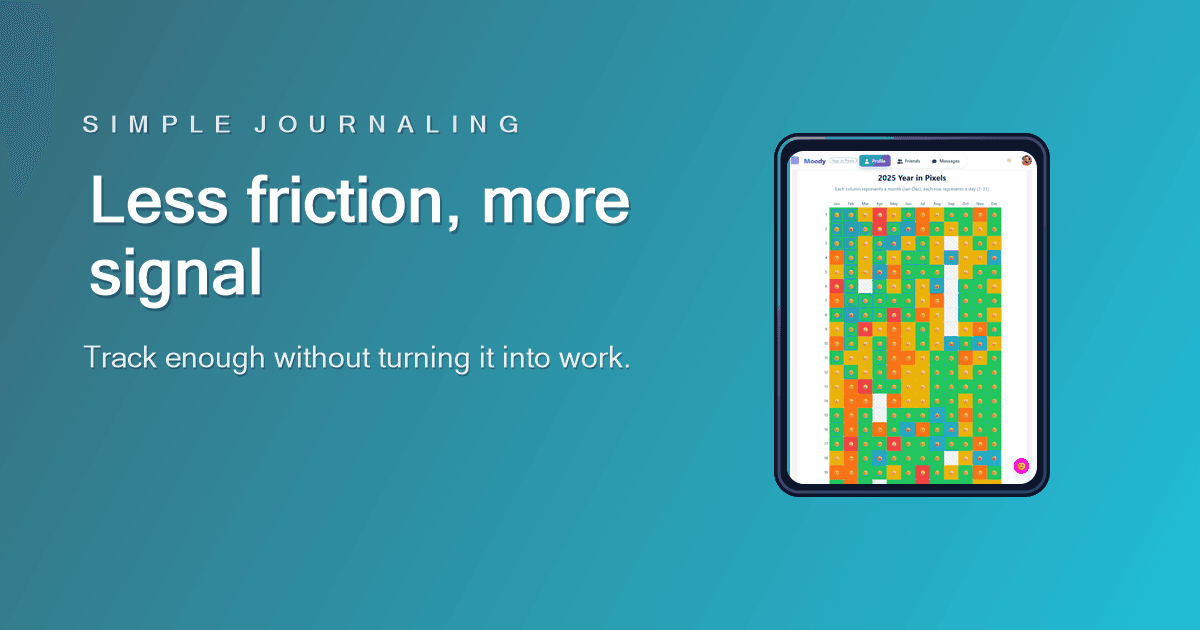
A mood tracker should lower the effort of reflection, not create another task you feel behind on.
Read article →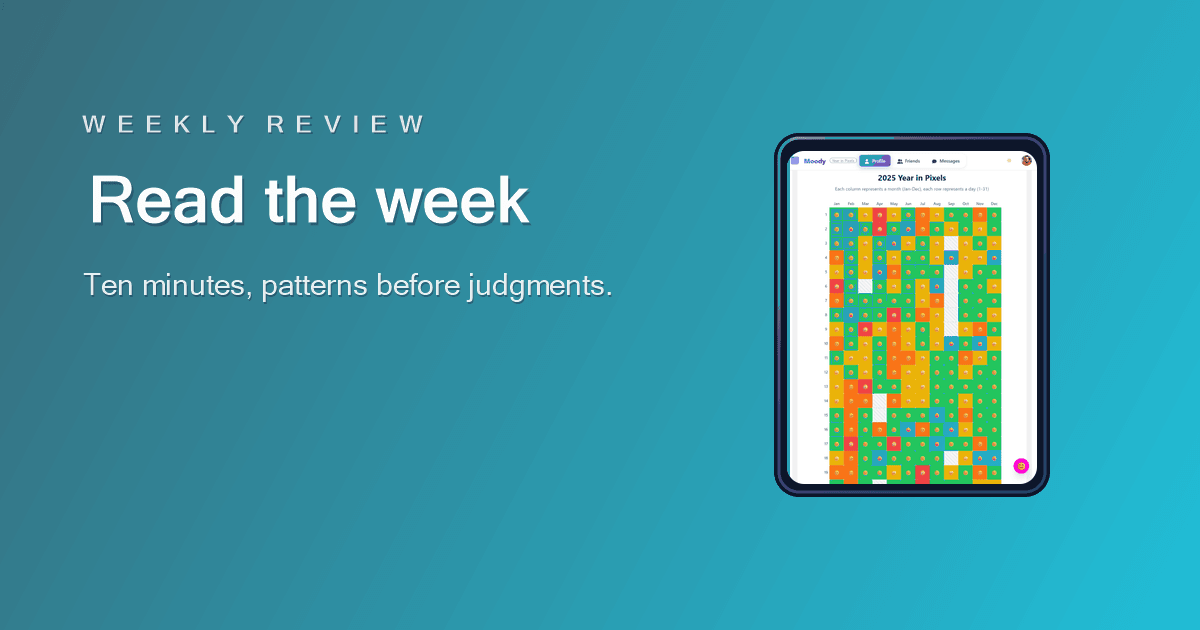
A weekly review should help you understand the shape of the week, not turn your mood history into a performance report.
Read article →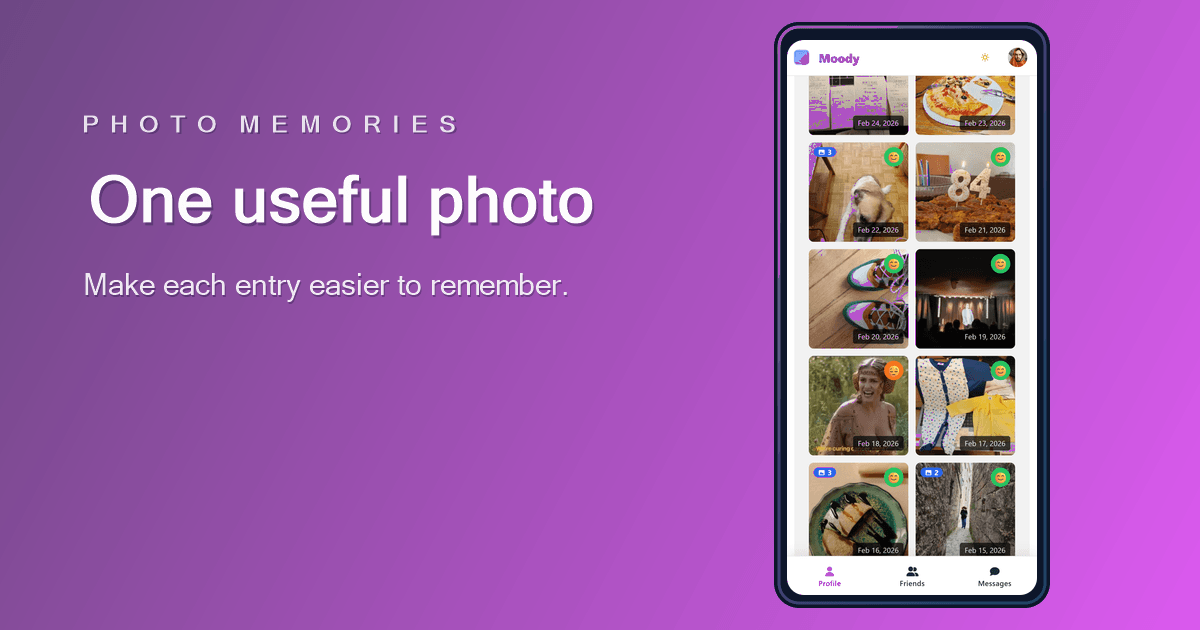
Photos work best when they explain the day, not when they turn your journal into another gallery to manage.
Read article →
Your friends are living their lives. Stay close to them.
Add your friends, see what they are going through day to day, react to their journal entries, chat with them. Moody is also an app to nurture the bonds that matter — beyond stories and likes.
Friends feed
Their days, their moods, what they are going through. You know when they are doing well and when they need you.
Conversations
React to a day, send a note, start a conversation. Exchanges stay tied to the moment they live.
You decide
Private by default. Each day, you choose: just for yourself, for a specific friend, or for your whole circle.