How to use photos in a mood journal without cluttering the experience
Photos work best when they explain the day, not when they turn your journal into another gallery to manage.
Quick answer
People want practical guidance on using photos in a mood journal without cluttering the record or making it feel public.
Use photos as anchors
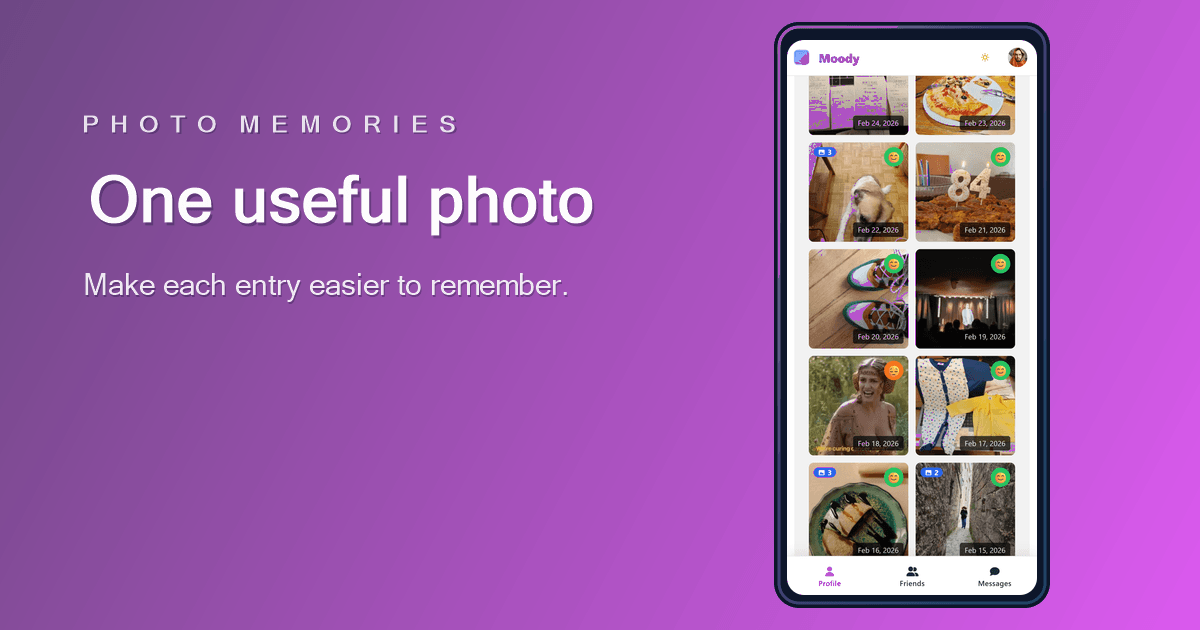
A photo in a mood journal should help you remember the day faster. It can show a place, meal, walk, desk, person, weather, or detail that gives the entry shape. It does not need to be beautiful.
This is different from a photo album. A photo album preserves images. A mood journal uses images to make emotional context easier to understand later.
Choose one useful image over many average images
Adding too many photos can make a journal harder to review. One image that explains the day is usually stronger than several images that repeat the same information.
If you are unsure which photo to choose, pick the one that will answer the question "what was this day like?" when you see it again.

Keep private moments private
Because mood journals can include sensitive context, avoid adding images that would make the record uncomfortable to revisit. A private-first journal should reduce pressure, not create new concerns.
A photo can be meaningful without being intimate. A street, object, sky, book, or quiet routine can often capture enough context while keeping the record comfortable.
Pair photos with small labels
A photo becomes more useful when it is paired with a short label or context field. For example: walk outside, long commute, family dinner, deadline, poor sleep, sunny afternoon.
Those small labels help later review. You can scan the image, read the label, and understand why the mood score looked the way it did.
FAQ
Start a clearer mood history
Moody lets you add photos when they help, while keeping the daily entry simple.
Read other articles
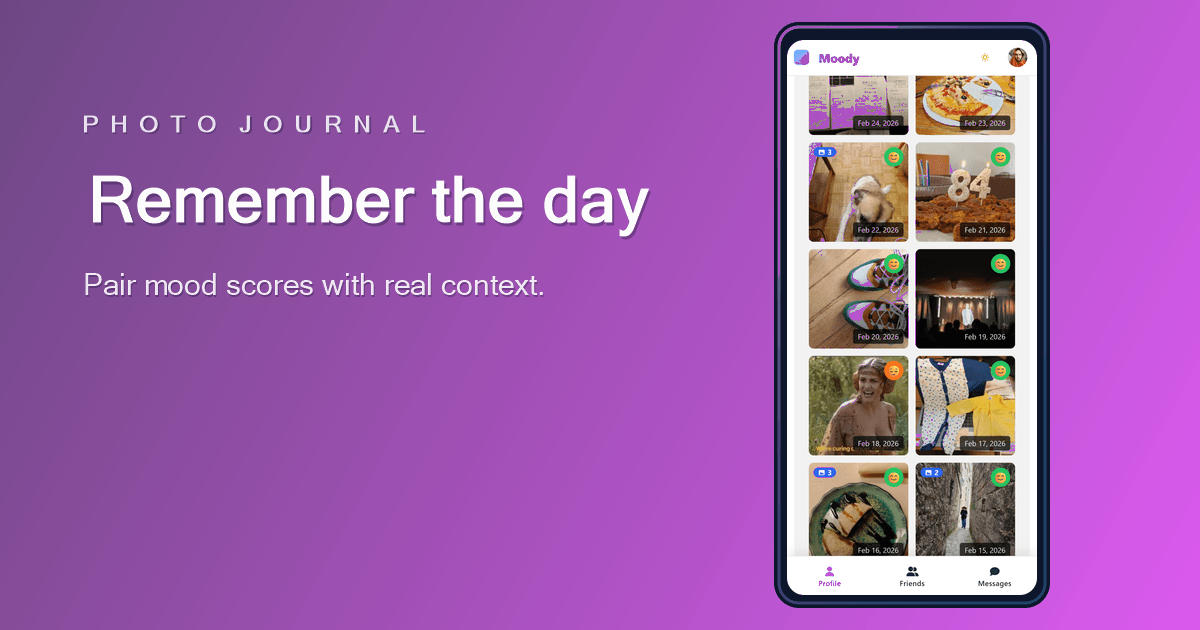
Why a mood journal with photos is more useful than a score alone
A score tells you how the day felt. A photo helps you remember what the day was actually made of.
Read article
What to log in a mood tracker so the data becomes useful
The best mood tracker data is not the most detailed data. It is the data you can understand when you review it later.
Read article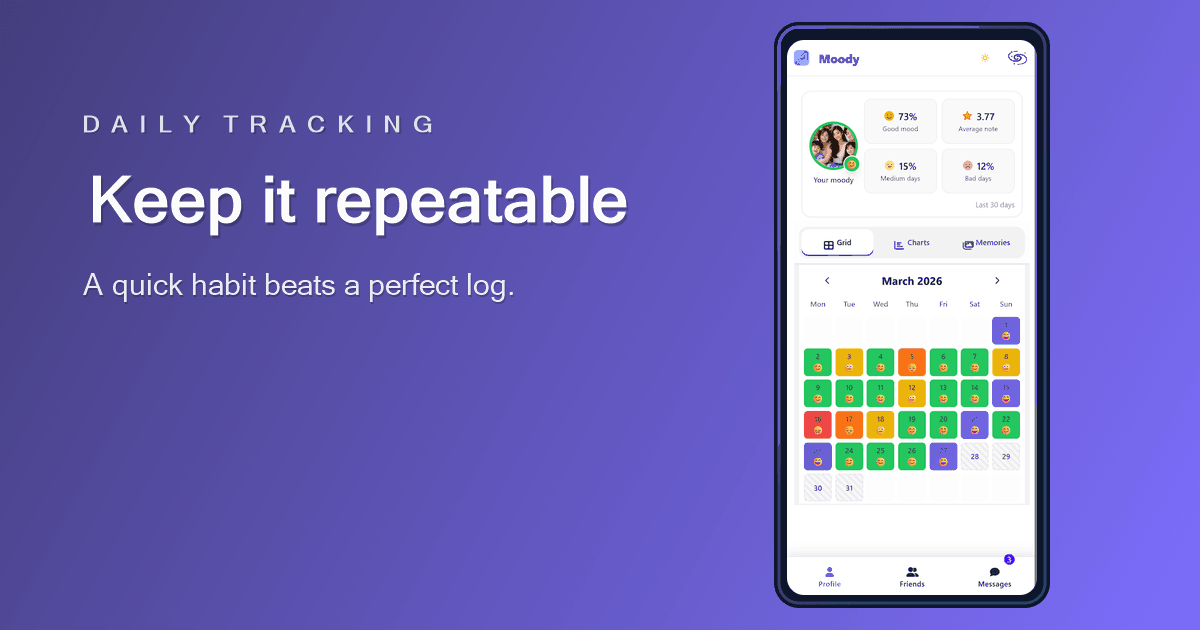
How to track your mood daily with less friction
Daily mood tracking works best when the entry is small enough to repeat and clear enough to review later.
Read article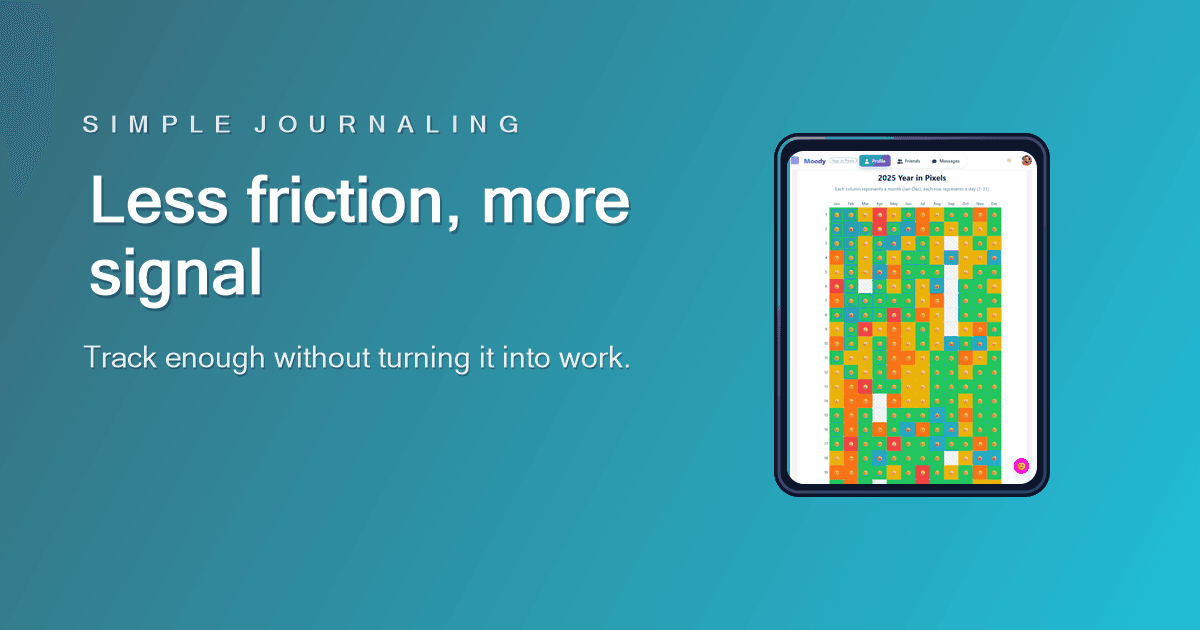
Mood tracking without overcomplicating your journal
A mood tracker should lower the effort of reflection, not create another task you feel behind on.
Read article